
Thermo Fisher Scientific › Electron Microscopy › Electron Microscopes › 3D Visualization, Analysis and EM Software › Use Case Gallery
We introduce here some techniques to visualize and process large data, mostly targeting the high resolution data acquired by Heliscan microCT.
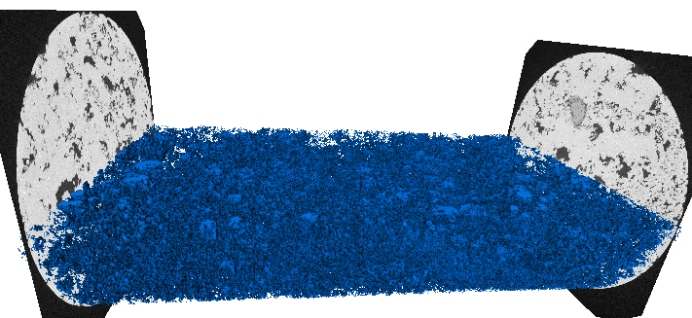
The data is considered as “large” in the sense that its size exceeds the size of the GPU memory and/or the size of the RAM of the machine. The following workflow:
is recommended to be applied in memory, if the amount is sufficient ( approx. 4 x the size of the dataset, ie 160 GB for a 40GB dataset ), with each step independently unloaded from the RAM with the PerGeos unload from RAM feature.
Seismic volumes can be visualized in the Explore workspace with a Volume Rendering module. The core profile can natively handle a .lda stitched core. All visualizations ( vertical slice, cylinder slice, XY slice, photo ) and processing (logs generation ) will be managed by an out of core mechanism. A particular attention will be given on the size of the blocks and the overlap, especially when using a Watershed based segmentation. The data is split into blocks, and each block is processed independently from the others. The height of each block should be adjusted depending on the available RAM ( the maximum Width should correspond to 1/6 of the RAM). If a separation is needed, 2 options are available:
The separation will be limited by the size of the blocks. Thus, the overlapping must be increased in order to be higher than the size of the features to be separated.
For Research Use Only. Not for use in diagnostic procedures.